



Track Every Shift.
Know Every Penny.
Real-time earnings, Lock Screen live pay, on-call days, recurring rotas and yearly goals. Built for NHS nurses, police officers, and every UK shift worker who deserves an honest record of what they’ve earned.
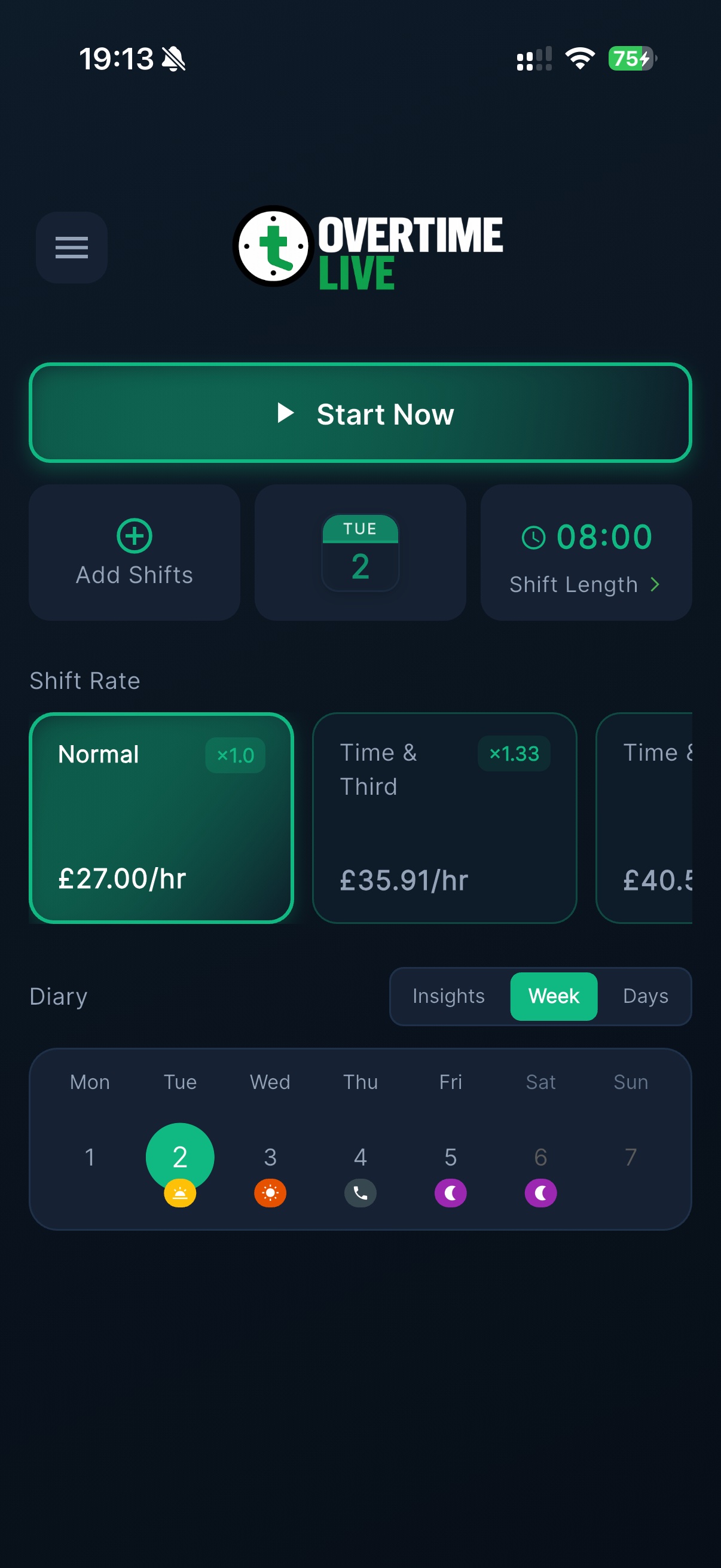
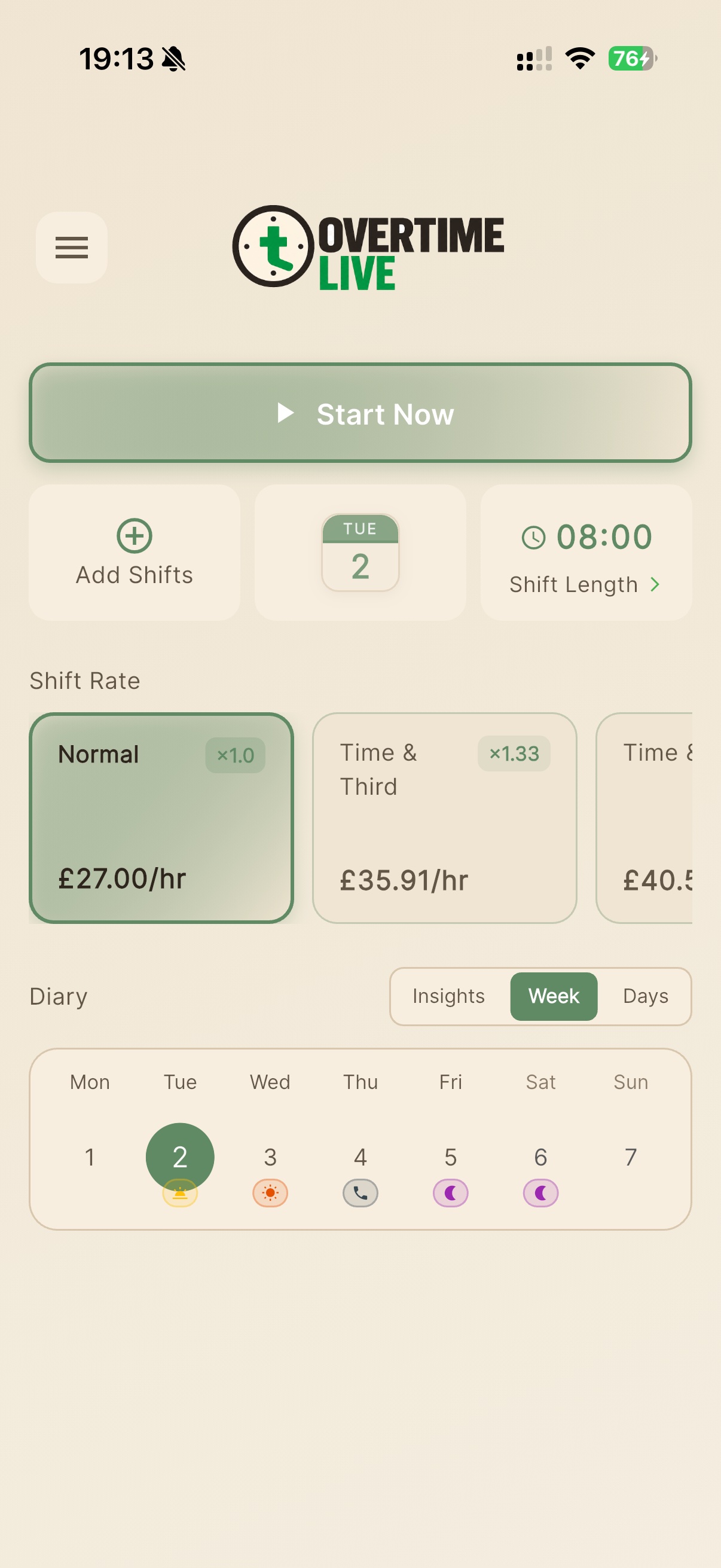
See Every Feature, Both Themes
Choose the look that suits you. All your data, all your history — same great app in dark or light.
Set Your Rates & Start Tracking
Enter your hourly rate and pick a shift type. Normal time, time‑and‑a‑third, time‑and‑a‑half, double time — or set a custom multiplier for any bespoke arrangement. NHS AfC and police Annex C rate types are built in.
- Convert annual salary to hourly automatically
- Six rate types including 1.33× for NHS overtime
- Weekly diary shows your full rota at a glance
- No account or sign-up — start in under 60 seconds
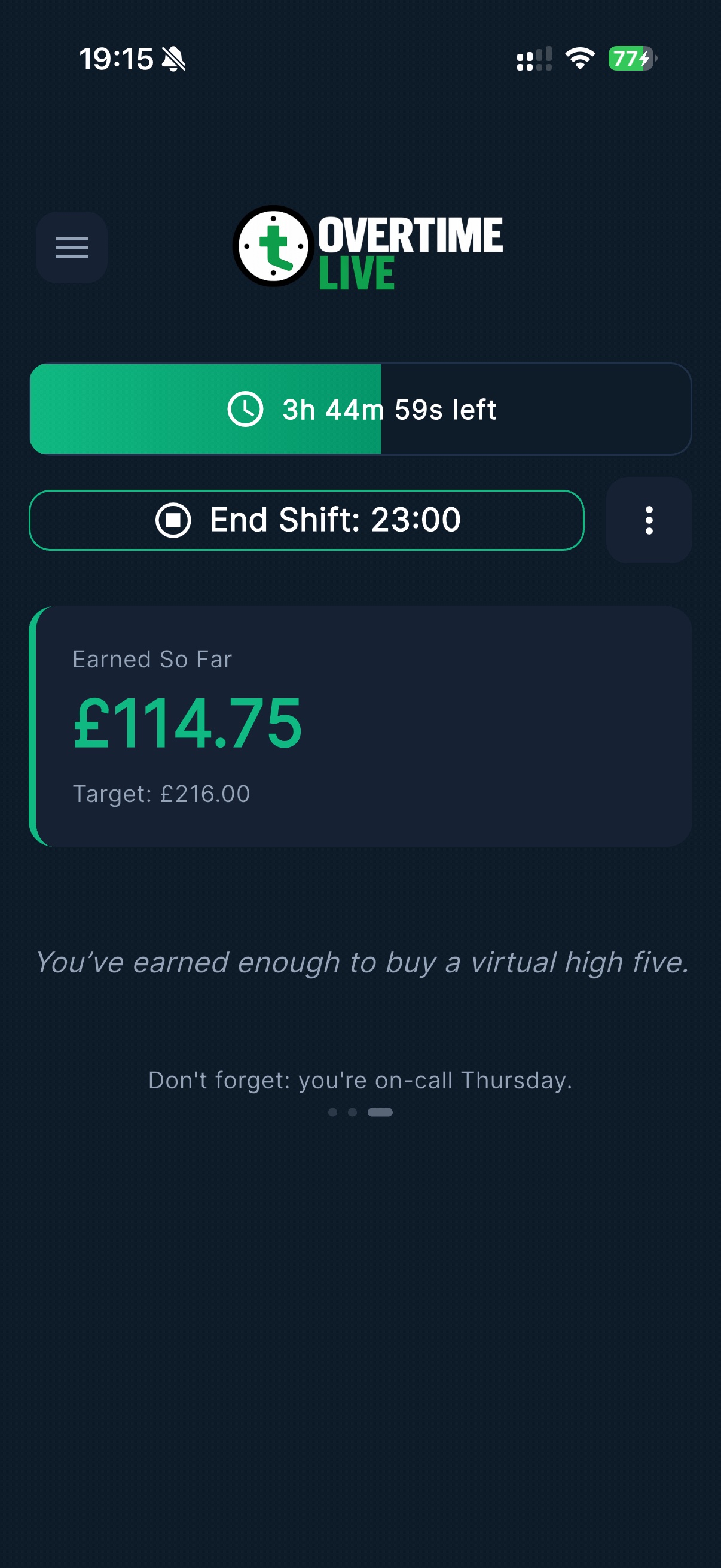
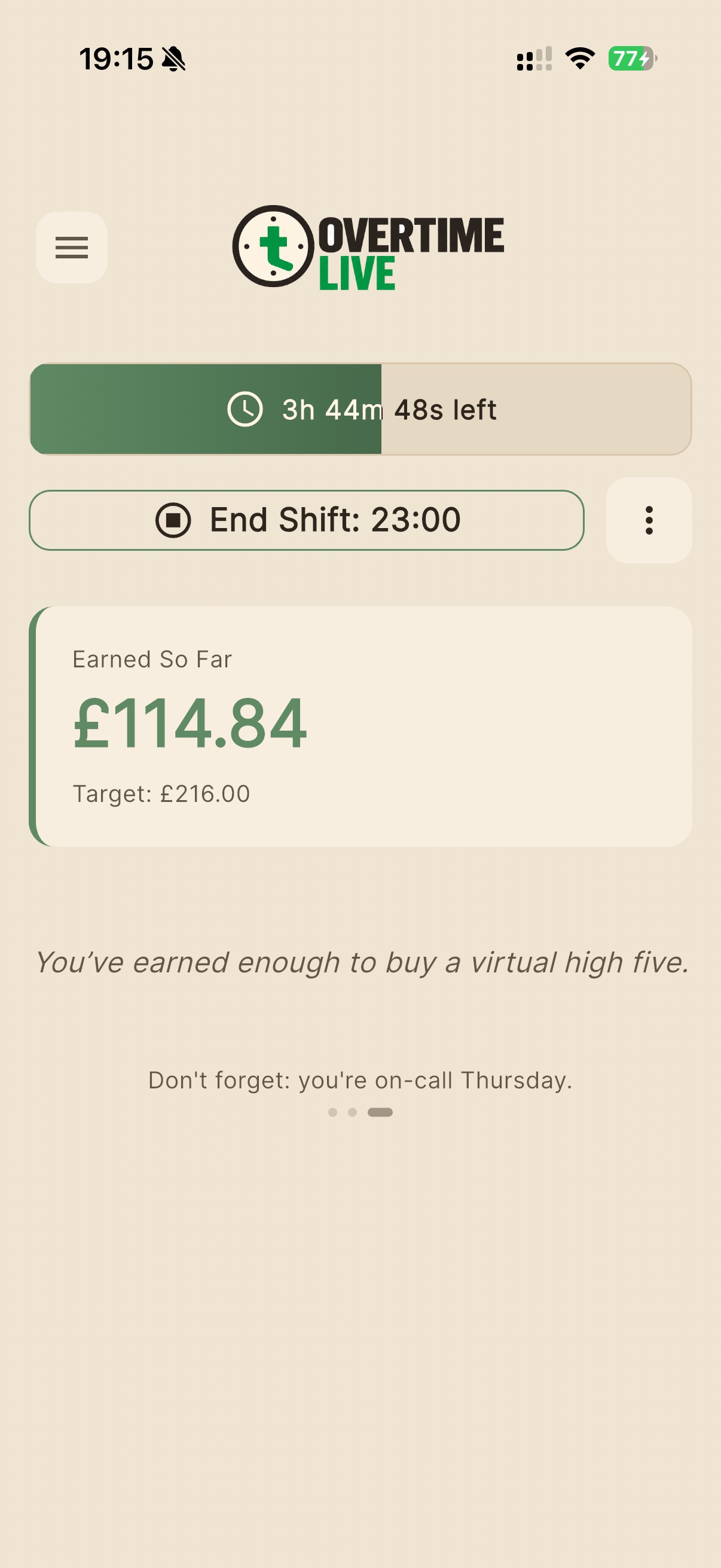
Watch Your Earnings Count Up — Live
Hit start and every second that passes is tracked. Your earnings counter updates in real time alongside a live progress bar showing exactly how far through your shift you are. Your end‑of‑shift target is visible at all times.
- Live countdown: hours, minutes and seconds remaining
- Earned So Far updates every second
- Target earnings shown for every shift
- Smart quips & context-aware reminders mid-shift
- Switch rates mid-shift if your rate changes
Smart Insights That Know Your Rota
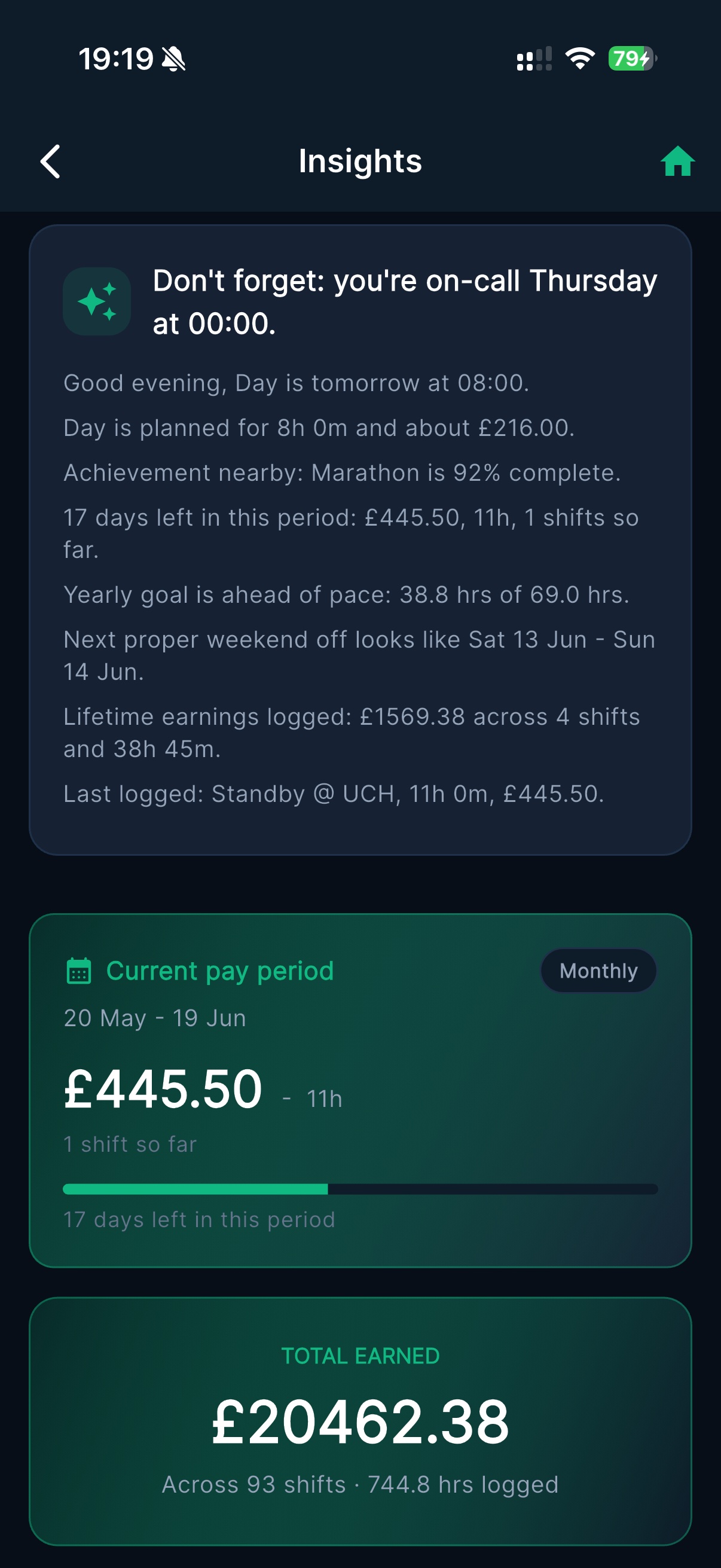
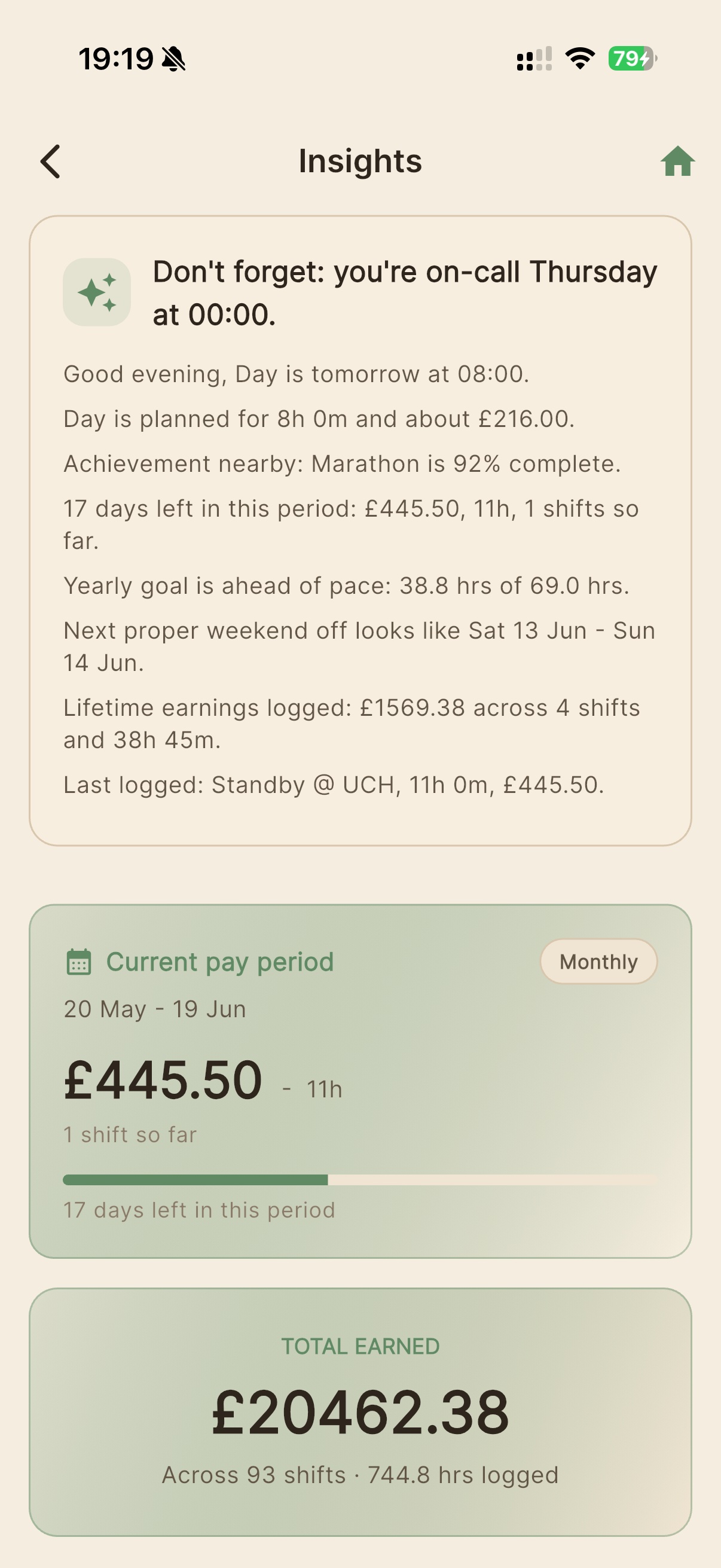
The Insights screen surfaces everything you need without digging: tomorrow’s shift, upcoming on-call days, pay period progress, and lifetime totals. It reads your schedule and tells you what matters right now.
- AI smart card: shift reminders, achievement progress
- Current pay period earnings with days remaining
- Lifetime total across all logged shifts
- Next weekend off, yearly pace vs goal
- Last shift summary at a glance
Your Entire Rota in One Calendar
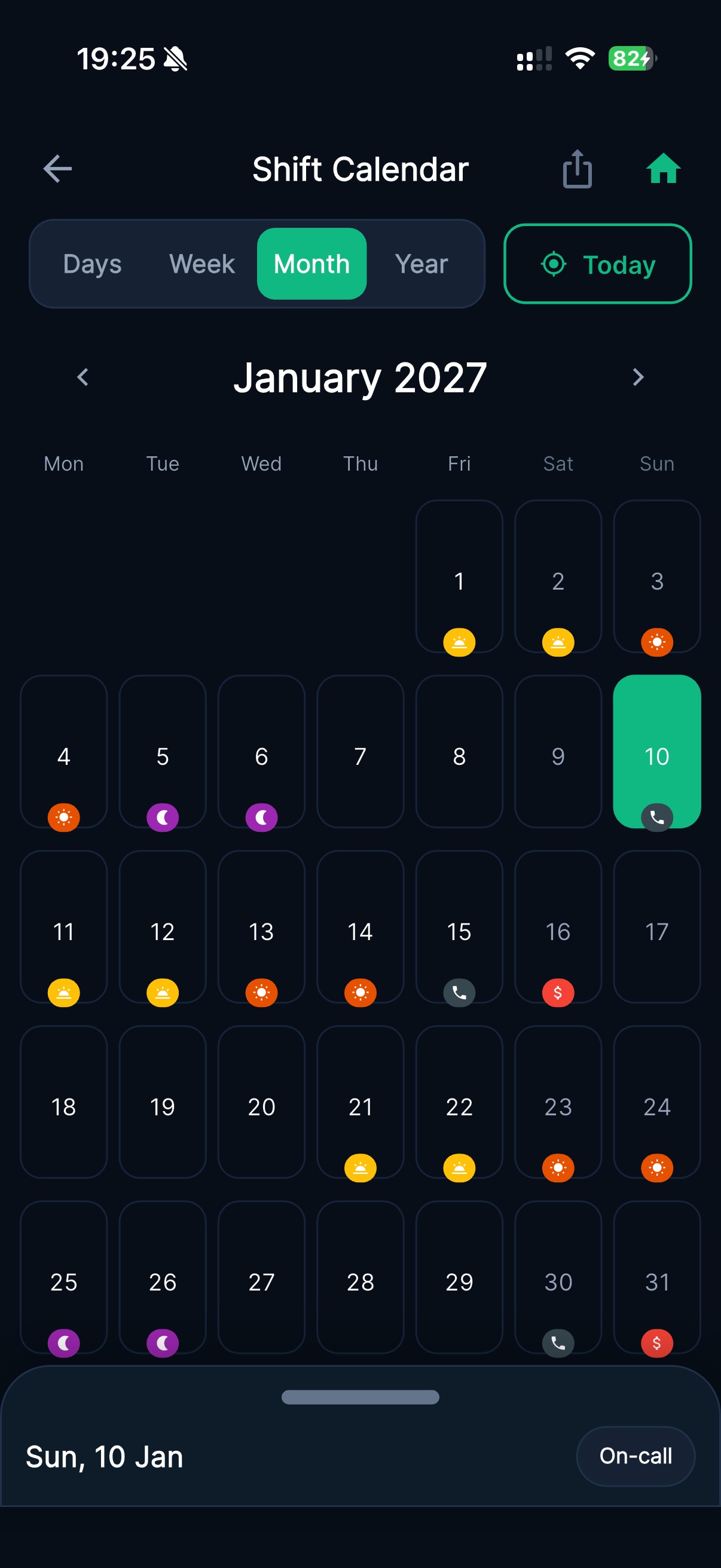
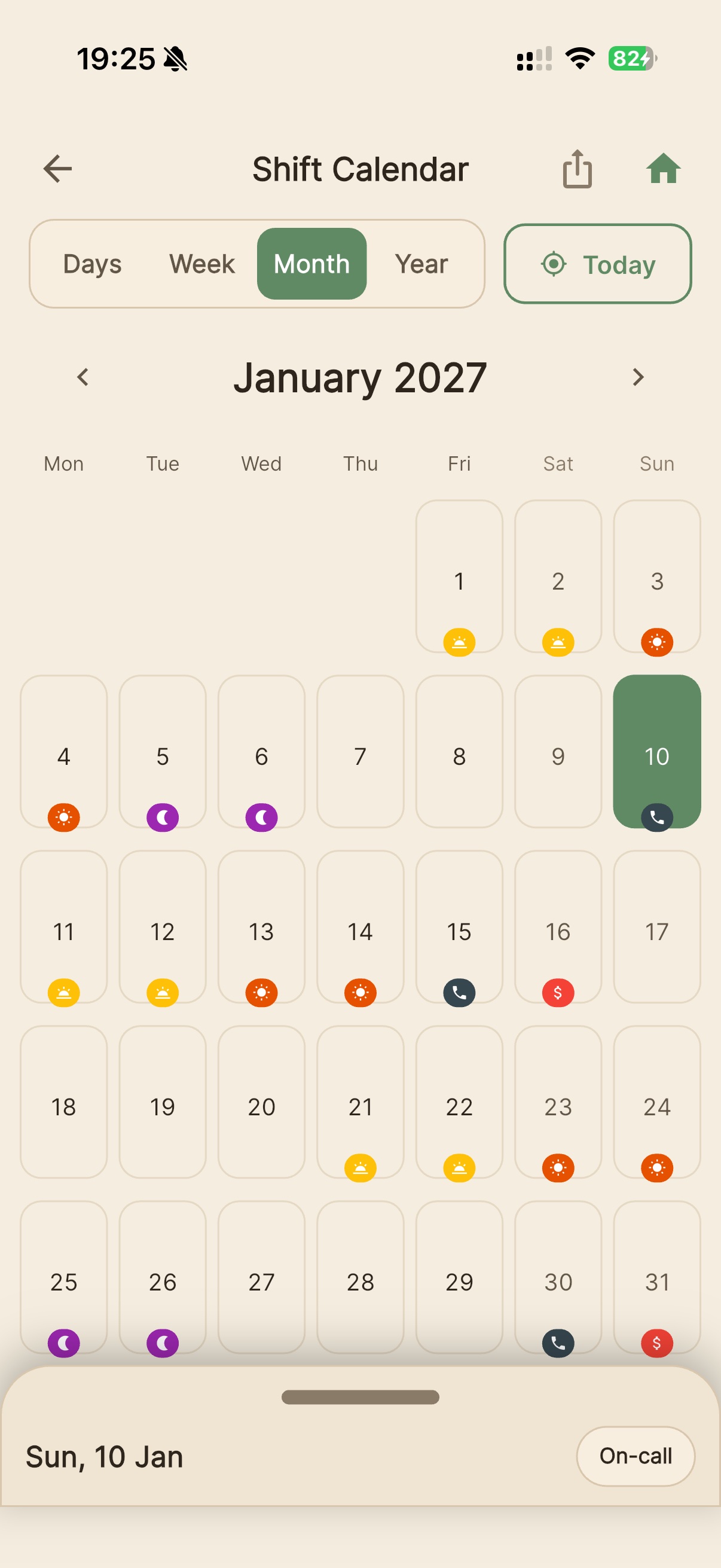
See every shift, on-call day and rest day in a full month view. Day, week, month and year tabs give you the right resolution for planning ahead or reviewing what you’ve worked. Tap any day to see its full detail or log a new shift.
- Month view with per-day shift type icons
- Today always highlighted in green
- On-call, day, night and rest days all visible
- Bottom sheet shows shift type and quick actions
- Share or export your calendar with one tap
See Your Pay
Without Opening the App
When your shift starts, your live earnings appear directly on your iPhone Lock Screen. iOS Live Activities keeps the number there — updating every second — whether your phone is in your pocket, on the ward desk, or in your patrol car.
On iPhone 14 Pro and later, earnings also appear in the Dynamic Island at the top of the screen so the figure stays visible even while you’re in other apps.
- Real-time earnings — updates every second
- Dynamic Island support (iPhone 14 Pro+)
- Live shift countdown at a glance
- No battery drain — uses native iOS APIs
- No other free overtime tracker offers this
Built for How Shift Work Actually Works
Real shift work isn’t simple — your rota rotates, your rates change, and on-call time doesn’t count the same as hours worked. Overtime Live handles all of it.
Recurring Shift Patterns
Build your rotation once — 7-day, 14-day, 28-day, or any custom cycle — and the app auto-populates your schedule for months ahead. Override individual dates without breaking the underlying pattern.
2026 UpdateOn-Call Days
Log the full on-call window, then sub-log individual call-outs within it. On-call allowance and call-out pay calculated separately — which is how NHS and emergency service contracts actually work.
2026 UpdateYearly Goals
Name a target — a holiday, a savings amount, an hours milestone — and set a figure. The app tracks your progress in real time throughout the year with push notifications at 25%, 50%, 75%, and 100%.
2026 UpdateShift History & Statistics
Every shift logged automatically. View total earnings, total hours, averages, personal bests and monthly breakdowns. Filter to overtime-only shifts. Edit any past shift if something was wrong at the time.
Achievements
Twenty milestones across five categories — shift count, total hours, earnings, consistency streaks, and specialist achievements like All-Nighter or Weekend Warrior — all earned automatically from your shift history.
Private by Design
Everything stays on your device. No account, no cloud sync, no server. Export a backup file whenever you want and restore it on a new phone in seconds. Your earnings data belongs to you.
Built Around Your Rota
Different sectors, different rules — Overtime Live handles the specifics so you don’t have to.
🏥 NHS & Healthcare
- Time and a Third (1.33×) for standard AfC overtime
- Separate rates for nights, Saturdays, Sundays and bank holidays
- On-Call Days for AfC on-call allowances and call-out pay
- 12-hour pattern builder for nursing rotas
- Current AfC pay scales at overtimelive.app/pay-scales
🚔 Police & Blue Light
- Time and a Third for standard police overtime
- Cancelled rest day and recall-to-duty tracking
- Recurring patterns for rotating response rotas
- Personal record independent of force systems
- Inspector+ ranks noted as salaried on the pay scales tool
🏭 Retail, Logistics & Security
- Bank holiday rate multipliers per shift
- Night uplifts and overnight supplements
- Custom rates for any bespoke pay arrangement
- Mid-shift rate changes — e.g. standard to time-and-a-half
- Payslip history to cross-check against monthly pay
Why Not a Spreadsheet?
Spreadsheets track the past. Overtime Live shows you what you’re earning right now.
| Feature | Overtime Live | Spreadsheet | Generic trackers |
|---|---|---|---|
| Setup time | Under 60 seconds | Hours of formula setup | Account + onboarding |
| Real-time earnings (second by second) | Yes | No | No |
| Lock Screen Live Activities (iOS) | Yes — free | No | No |
| On-Call Days with separate call-out pay | Yes | Manual | No |
| Recurring shift pattern builder | Yes | Manual | Some |
| Yearly financial & hours goals | Yes | Manual | No |
| Mid-shift rate changes | Yes | Manual | No |
| No account or sign-up | Yes | Yes | No |
| 100% free core features | Yes | Yes | Freemium |
| All data stays on your device | Yes | Cloud | Cloud |
Common Questions
How long does it take to set up Overtime Live?
What makes the Lock Screen earnings feature unique?
Can I use different pay rates during a single shift?
Does Overtime Live support NHS Agenda for Change pay rates?
Can I track on-call shifts separately from regular shifts?
Can I set up a recurring shift pattern like a 4-on-4-off rota?
How do Yearly Goals work?
Does Overtime Live work on Android?
Is my data private? Does it go to the cloud?
Is Overtime Live really free?
Ready to Track Your Overtime?
Free to download. No account required. Start tracking in seconds.